
Winter Lightroom Presets: How to Make Snow White, Not Blue (2026)
Snow comes out blue or grey for two reasons: the camera sees a frame full of white and darkens it, and snow in shade reflects the blue sky. So fix the light first: raise exposure by 0.3 to 1 stop, push Whites to +15 to +30 and warm Temp by +5 to +15, then apply the preset. For winter we have GLACIER: brighter, cleaner snow, a vivid blue sky and warm skin, at its best in sunny mountains and at ski resorts. For an old-money ski look with warm wood there’s CHALET, for portraits in snow FROST, and for a winter city at blue hour GASLIGHT. TRUE DEPTH ($2.99) takes the blue and the flatness out of phone shots, and MOSS gives a dark, moody winter forest.

 beforeafter

 beforeafter

 beforeafter

 beforeafter

 beforeafter

 beforeafter

 beforeafter

 beforeafter
FROST
Cream snow, silver blue backgrounds, rosy skin: a winter portrait preset.
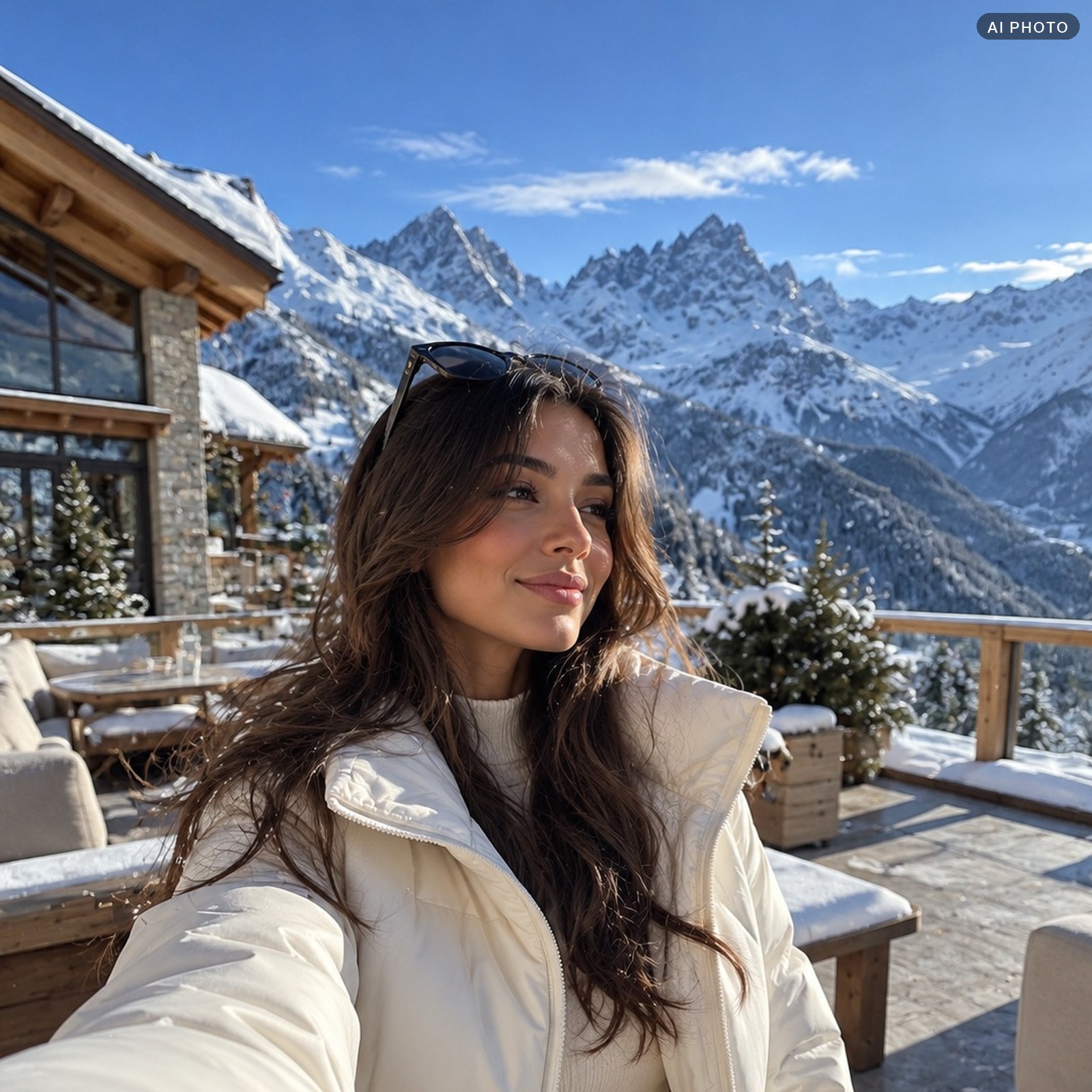
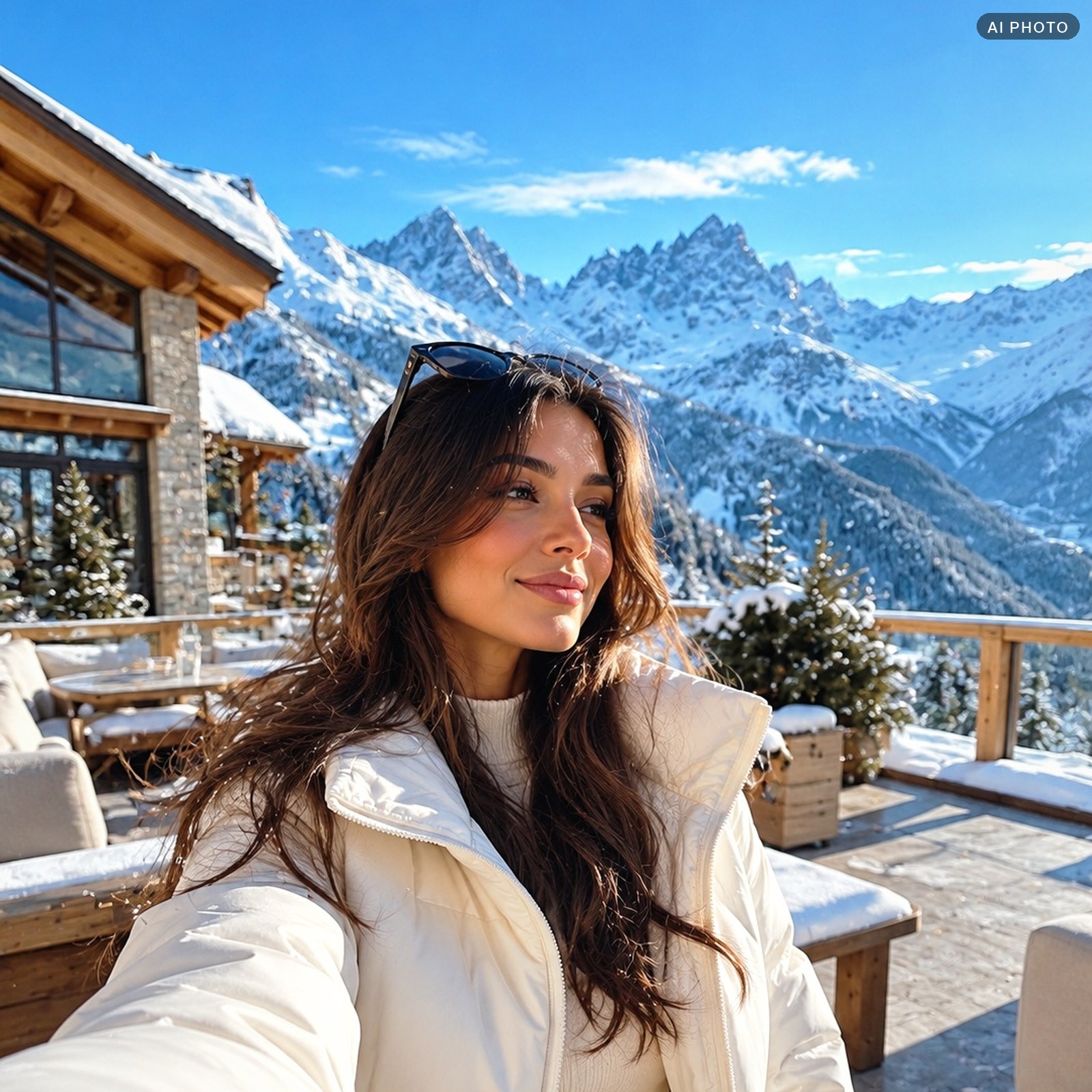 beforeafter
Other themes
Below: which pack suits which winter scene, my test of the packs on five snow shots, a step-by-step edit for winter photos on your phone, and LUTs for winter video.
Which pack for which winter scene
| Scene | Pack | What it does to snow | Formats | Price |
|---|---|---|---|---|
| Ski resort, sunny mountains, shots for your feed | GLACIER | Snow 8 to 10 points brighter out of 100, vivid blue sky, warm skin. At dusk it pushes snow and sky toward light blue | .xmp · .dng · .cube, main and Soft | $9 |
| Chalet, skis, terrace, old money in the mountains | CHALET | Snow 11 to 13 points brighter out of 100, almost no blue, a warm honey tone | .xmp · .dng · .cube, main and Soft | $9 |
| Portraits in snow, snowfall, winter forest | FROST | The brightest snow of all packs, 14 points out of 100, half the blue, warm skin | .xmp · .dng · .cube, main and Soft | $9 |
| Winter city at night, street lamps, blue hour | GASLIGHT | Snow doesn’t turn white, it turns bluer: blue hour, golden lamps. Not for white snow | .xmp · .dng · .cube, main and Soft | $9 |
| Snow, mountains, bright winter air | SNOW AIR (one of the 15 CHROMA MOBILE looks) | Snow gets much brighter and whiter, less blue. Mutes color across the frame | .xmp · .cube, no .dng | $15 for 15 looks |
| Winter shots from a phone | TRUE DEPTH | About half the blue gone from the snow, the frame stays natural, depth comes back | .xmp · .dng · .cube, each with a Soft version | $2.99 |
| Winter forest, overcast, moody | MOSS | Darker and denser, snow stays cool. Moody, not white | .xmp · .dng · .cube, Strong and Soft | $9 |


My test: five snow shots
I apply each pack’s LUT (the .cube file from the archive) to five of my own winter shots: the Alps in sun and in cloud, a frosted road, a village in a snowy valley and a ski resort at dusk. Then I measure the snow: how bright it is and how blue. Here is what shows up.
- GLACIER makes snow 8 to 10 points brighter out of 100: the grey goes and the snow turns white. A slight cool tone stays in shaded snow, and the sky turns vivid blue. It works best on daytime shots with sun. At dusk it pushes snow and sky toward a saturated light blue: use the Soft version then, or move Temp right.
- CHALET brightens snow by 11 to 13 points out of 100 and takes out almost all the blue: two to six times less in the shade. The overall tone is warm and honeyed, the snow slightly creamy. At dusk, like GLACIER, it pushes snow and sky toward light blue.
- FROST brightens snow more than any pack in the test, by 14 points out of 100, and leaves about half the blue. A light, clean frame made for portraits in snow. At dusk it also goes light blue; use the Soft version then.
- GASLIGHT barely brightens snow (2 to 9 points) and makes it bluer. That’s the point of its blue hour: a deep blue sky and golden street lamps. Don’t use it for white snow; for a city in the evening it’s the one.
- SNOW AIR brightens snow almost as much as FROST: on the mountain road snow goes from 76 to 89 out of 100 in lightness, with about a third less blue. At the ski resort at dusk, blue snow turns white. The catch: it mutes color across the whole frame. Red baubles and berries go brown with it, so use another pack for holiday decor.
- TRUE DEPTH takes about half the blue out of the snow and barely changes its brightness. The shot looks the way it was, only deeper. A good pick for phone shots when you don’t want an obvious preset look.
- MOSS makes snow darker (7 to 8 points of lightness) and leaves the blue almost as it was. It’s a mood pack: a dark spruce forest, an overcast day, someone in a dark coat.
- COLD START and ASPHALT push snow toward mint teal. For a cold, cinematic city or mountain frame that works; white snow it is not.
These are LUT measurements, which is what you get on video. The .xmp preset is built separately for the same look, so photos land close in color but not identical.
Why snow looks blue or grey
- Grey snow. The camera meter assumes the scene is mid-grey and pulls bright snow down. On iPhone, tap the screen before you shoot and drag the sun up by +0.3 to +0.7. In Lightroom, raise Exposure until the snow turns white, then bring the texture back with Highlights at −20 to −40.
- Blue snow. Snow in shade reflects the blue sky, and auto white balance doesn’t correct it. Pick the white balance eyedropper and tap snow in the shade, or move Temp right by +5 to +15.
- Flat shots. A phone with Smart HDR already lifts the shadows, so snow melts into the sky. Don’t lift the shadows again; bring back midtone contrast instead. That’s what TRUE DEPTH does.
How to edit winter photos on your phone
- Shoot RAW or ProRAW if your phone has it: white balance then shifts without losses. A regular photo works too.
- Exposure. Snow should be bright but keep its texture. Raise Exposure, then pull Highlights left until footprints and crust show again.
- White balance. Eyedropper on snow in shade, or Temp to the right. Faces warm up too, which is what you want.
- Preset. In free Lightroom, open the .dng from the archive, tap ⋯ → Copy Settings, open your photo → Paste Settings. CHROMA MOBILE looks come as .xmp: Presets → Yours → ⋯ → Import Presets. Full walkthrough in how to install presets in Lightroom mobile.
- Leftover blue. Color → Mix → Blue, Saturation −10 to −30. Shadows on the snow turn more neutral; the sky gets a little paler too.
- Check skin. If a face turns cold or pale after the preset, add +3 to +5 Temp. SNOW AIR mutes color, so for portraits in snow FROST or TRUE DEPTH fits better.
Winter video: LUTs
Every paid pack includes a .cube LUT for Premiere Pro (Lumetri → Creative → Look), DaVinci Resolve, Final Cut and CapCut desktop. The LUTs expect standard Rec.709 footage, so convert LOG (S-Log, D-Log, Apple Log) to Rec.709 first. One thing matters for snow: a LUT can’t see neighboring pixels and won’t set white balance for you. Make the snow white with a normal correction first, then add the LUT, and if the look is too strong, lower it (the Intensity slider in Premiere). More in what is a .cube LUT.
Already have a LUT you like?
The free LUT to Lightroom converter turns any .cube into an .xmp preset and a .dng for free Lightroom on your phone. Handy when your winter video already has a color and you want the same on photos.
Frequently asked questions
Why does snow look blue in photos?
Snow in shade reflects the blue sky, and auto white balance doesn’t remove it. Move Temp warmer by +5 to +15, or tap the snow in shade with the white balance eyedropper. If the snow is also grey, raise exposure by 0.3 to 1 stop.
How do I make snow white on iPhone?
Before you shoot, drag the exposure sun up by +0.3 to +0.7. In free Lightroom, raise Exposure and Whites, bring the texture back with Highlights and set white balance with the eyedropper on the snow. Of our packs, FROST and the SNOW AIR look in CHROMA MOBILE make snow the brightest; GLACIER is a little softer and adds a vivid blue sky.
What are the best presets for winter Instagram photos?
For sunny mountains and ski resorts, GLACIER: brighter snow, a vivid blue sky, warm skin. For an old-money chalet with warm wood, CHALET; for portraits in snow, FROST; for a city at blue hour, GASLIGHT. For a natural phone look, TRUE DEPTH; for a dark winter forest, MOSS. COLD START and ASPHALT turn snow mint teal: that’s a cold cinematic look, not a white winter.
Do winter presets work for portraits in snow?
Watch the skin. FROST is made for portraits in snow: light snow, warm skin. GLACIER, CHALET, TRUE DEPTH and MOSS keep skin warm too, while SNOW AIR mutes color and can leave a face pale. After any preset you can add +3 to +5 Temp if the face looks cold.
Is there a winter LUT for video?
Yes, every paid pack includes a .cube LUT for Premiere Pro, DaVinci Resolve, Final Cut and CapCut desktop. For snow, set white balance first, then add the LUT. Convert LOG footage to Rec.709 first.
Are there free winter Lightroom presets?
We don’t have a separate free winter look. The free CHROMA Starter comes by e-mail: five looks as .xmp and .dng plus two LUTs. It’s an easy way to see how presets install on your phone.
Where else to get free presets without the risks: free Lightroom presets. Holiday photos with string lights and a tree need something else, warm color and rich reds: see Christmas Lightroom presets.
GradeColor packs: a Lightroom preset, a .dng for your phone and a LUT for video in one look, from $2.99.