

EnglishEN
Presets and LUTs for iPhone
Every GradeColor pack works on iPhone: photo presets come as .dng for the free Lightroom app and as .xmp, video looks come as .cube LUTs. For iPhone 15 Pro and 16 Pro video shot in Apple Log, LOGLINE Apple Log turns flat footage into film color in one file. Android works the same way.
- 50+ packs with .dng for the free Lightroom app
- Apple Log LUTs for iPhone 15 Pro and 16 Pro
- From $9, files right after payment
Presets for iPhone photos
Apply in one tap in the free Lightroom app. Works on JPG, HEIC and ProRAW.
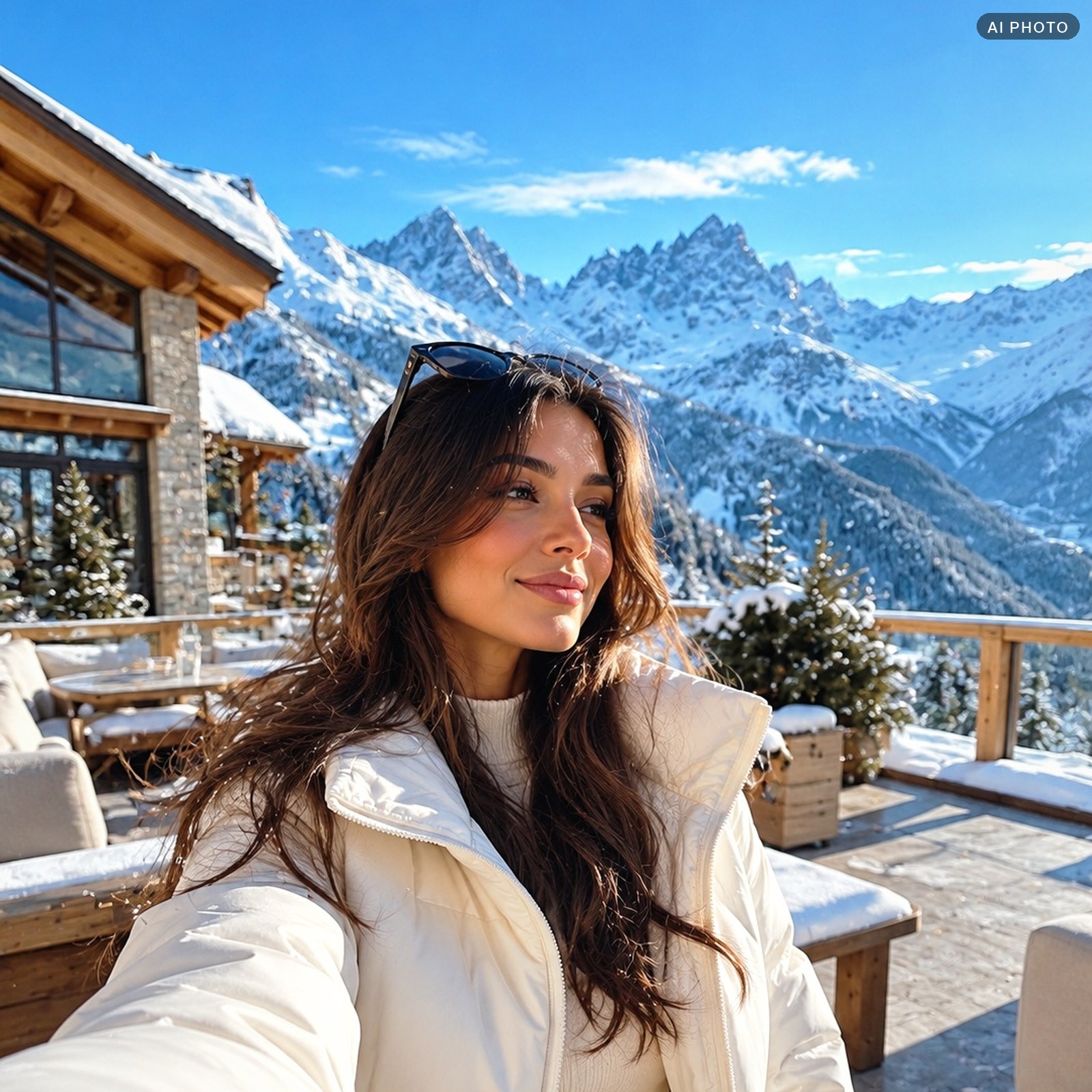
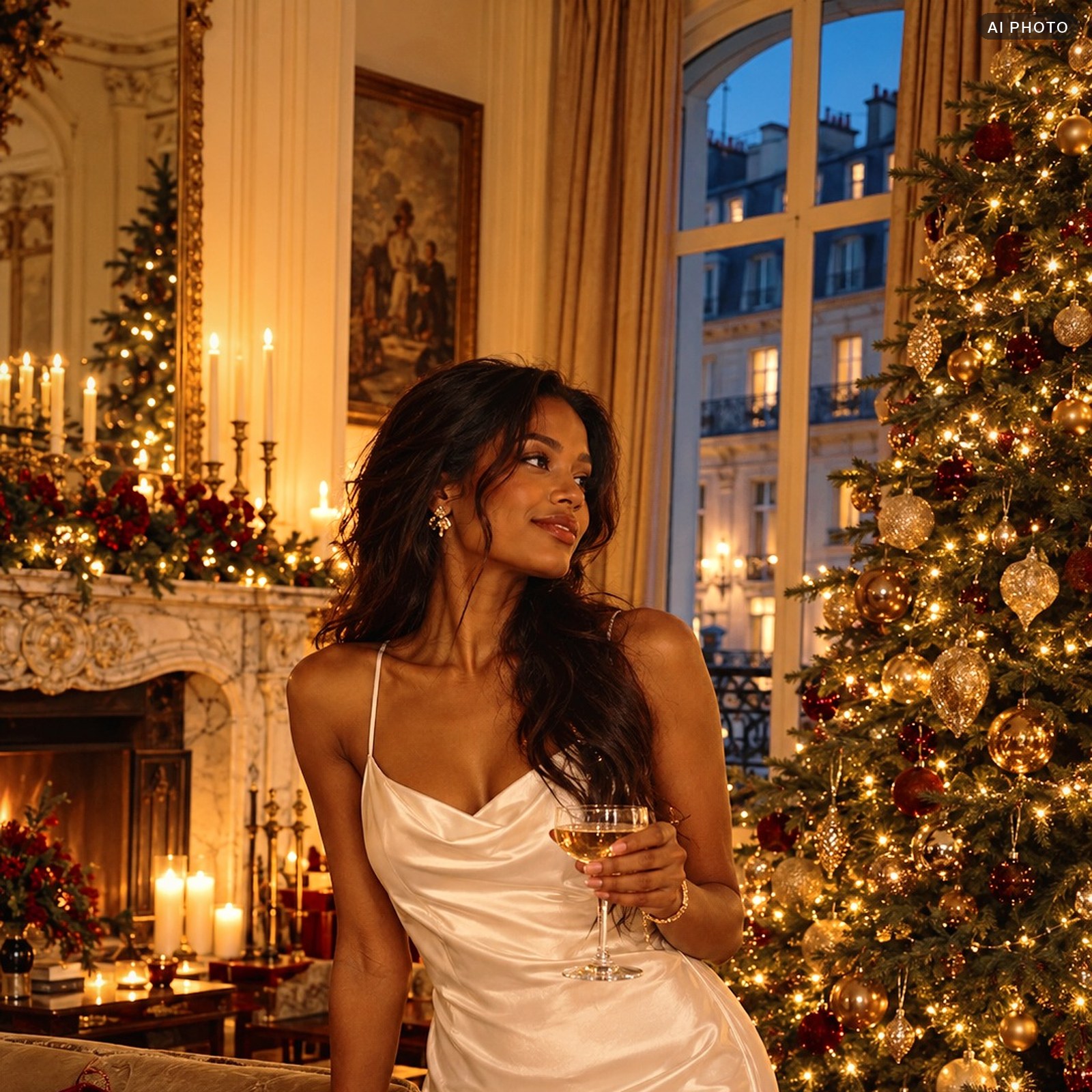
CHRISTMAS
Warm lights, velvet red, bright faces: a Christmas preset in two strengths.
$9.DNG + .XMP + .CUBEOpen
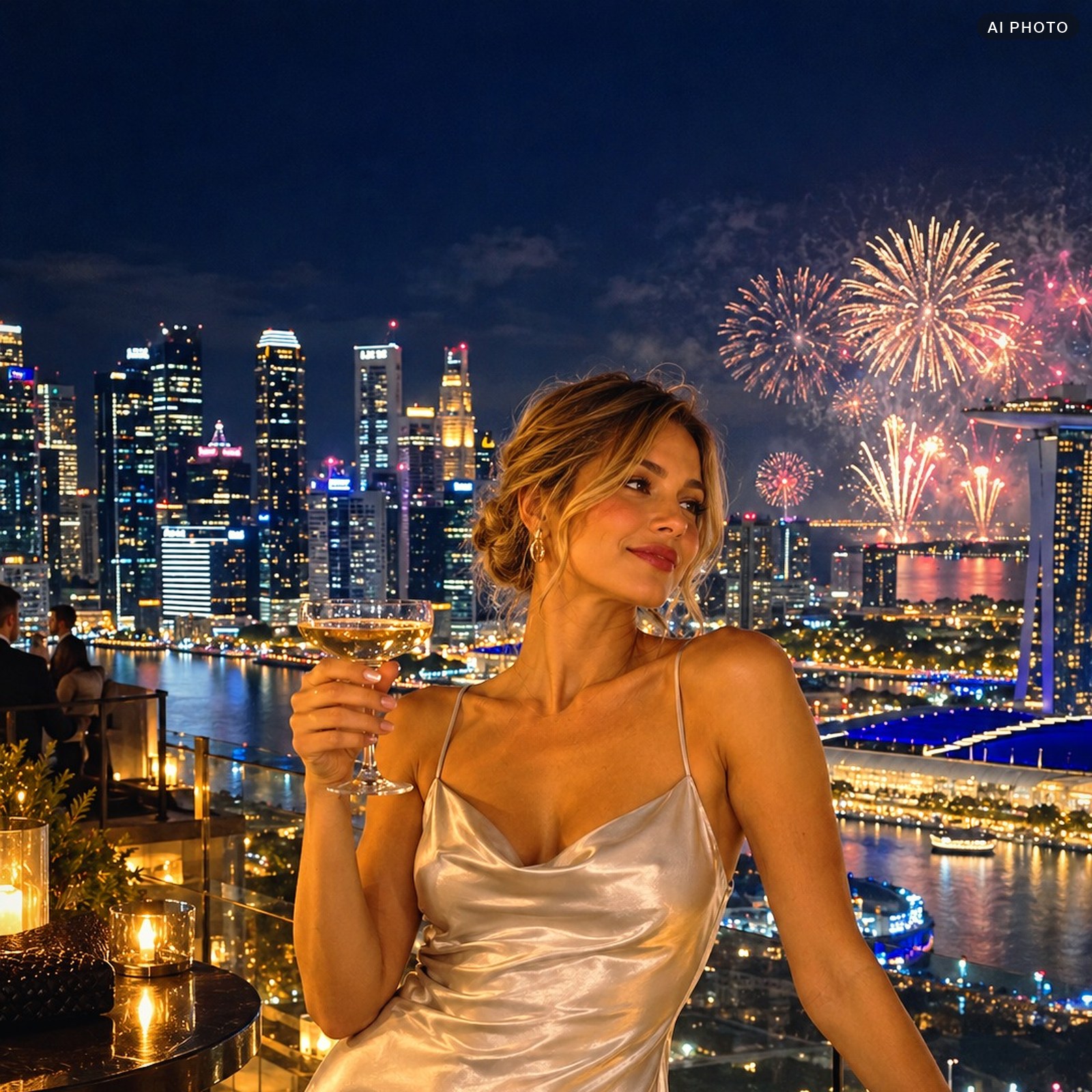
MIDNIGHT
Sapphire night, golden lights, bright faces: a New Year’s Eve preset in two strengths.
$9.DNG + .XMP + .CUBEOpen


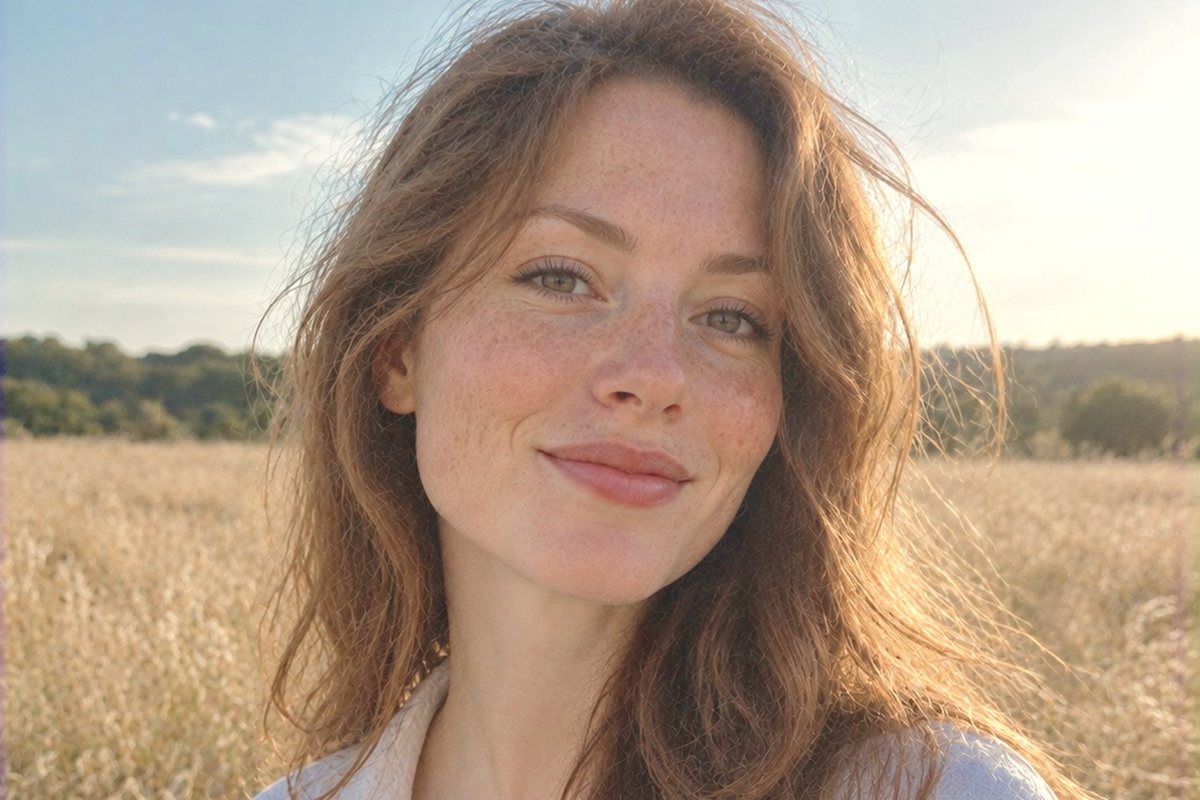
.DNG
Free starter pack
5 presets as .dng and 2 LUTs. Try them on your iPhone photos before you buy.
$05 .DNG + 2 .CUBEGet it free
LUTs for iPhone video and Apple Log
Apple Log keeps more light and color than normal video, but looks grey until you add a LUT. LOGLINE Apple Log does the conversion and the look in one file for CapCut, Premiere Pro, DaVinci Resolve and Final Cut.

LOGLINE Apple Log
LUTs straight on Apple Log: film color from iPhone 15 Pro and 16 Pro in one file.
$15.CUBEOpen

LOGLINE Rec.709
Three film looks for Rec.709: after the DJI or Insta360 LUT, for phones and cameras.
$9.CUBEOpen
iPhone 17 Pro records Apple Log 2 with a wider color space. The current LOGLINE Apple Log is made for iPhone 15 Pro and 16 Pro.
LUTs for the Blackmagic Camera app on iPhone
Blackmagic Camera is a free iPhone app that records Apple Log and can show a .cube LUT while you film.
- Open Blackmagic Camera, tap the menu, then LUTs, and import a .cube file from Files.
- Turn the LUT on for the screen: you see the final color while you shoot, the clip stays clean.
- In the editor put the same LUT on the clip: LOGLINE Apple Log for Apple Log, LOGLINE Rec.709 for normal video.
How to install a preset on iPhone
- DownloadOpen the link from the email on your iPhone and save the .zip to Files. Tap it to unpack.
- Add the .dngIn the free Lightroom app tap Add photos and pick the .dng files from the folder.
- Save as presetOpen the .dng, tap the three dots, then Create Preset, give it a name and save.
- ApplyOpen any photo, tap Presets and pick yours. Adjust Exposure if the photo is too dark.
Questions and answers
Do I need a paid Lightroom subscription on iPhone?
No. The .dng presets work in the free Lightroom app. A subscription is only needed for some paid tools inside Lightroom, not for presets.
Which file do I use on iPhone: .dng or .xmp?
Use .dng in the free Lightroom app. The .xmp file is for Lightroom on a computer and also imports into Lightroom on the phone.
Do the presets work on ProRAW photos?
Yes. ProRAW keeps more detail in the sky and shadows, so the look lands even cleaner. They also work on normal JPG and HEIC photos.
Which iPhones shoot Apple Log?
iPhone 15 Pro, 15 Pro Max, 16 Pro and 16 Pro Max record Apple Log. iPhone 17 Pro records Apple Log 2.
Can I use the LUTs in CapCut?
Yes. CapCut, Premiere Pro, DaVinci Resolve and Final Cut all open .cube files.
Do the presets work on Android?
Yes. The .dng and .xmp files work the same way in Lightroom on Android.